
eSignature tools that work in your browser
No login. No upload to a server. No watermarks. Sign documents, generate signatures, and clean up signature scans, all from your phone or laptop.
PDF Signer
Upload a PDF, draw or type your signature, place it on the page, and download the signed file.
Open tool →
Signature Generator
Create a signature image from typed text in 6 cursive styles, or draw your own. Export PNG or SVG.
Open tool →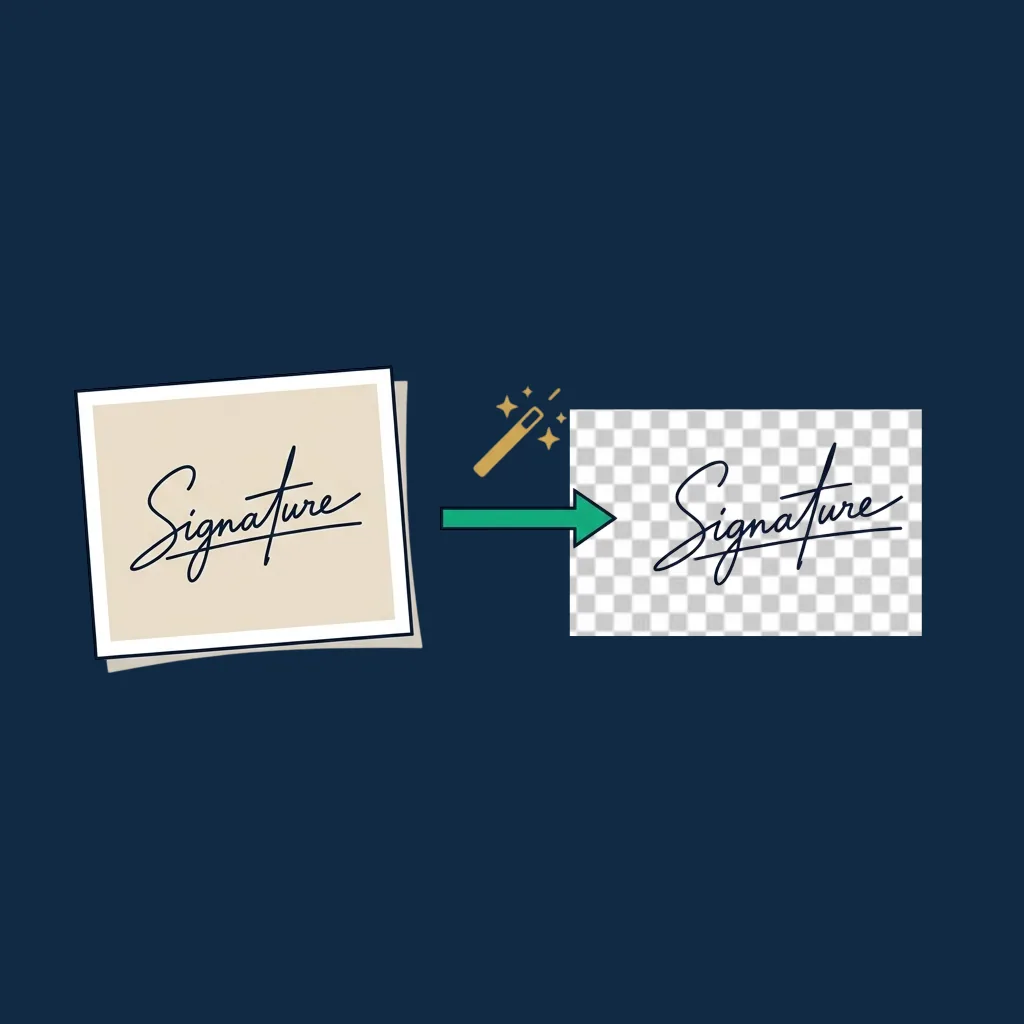
Signature Background Remover
Upload a photo of your signature and get back a transparent PNG ready for any document.
Open tool →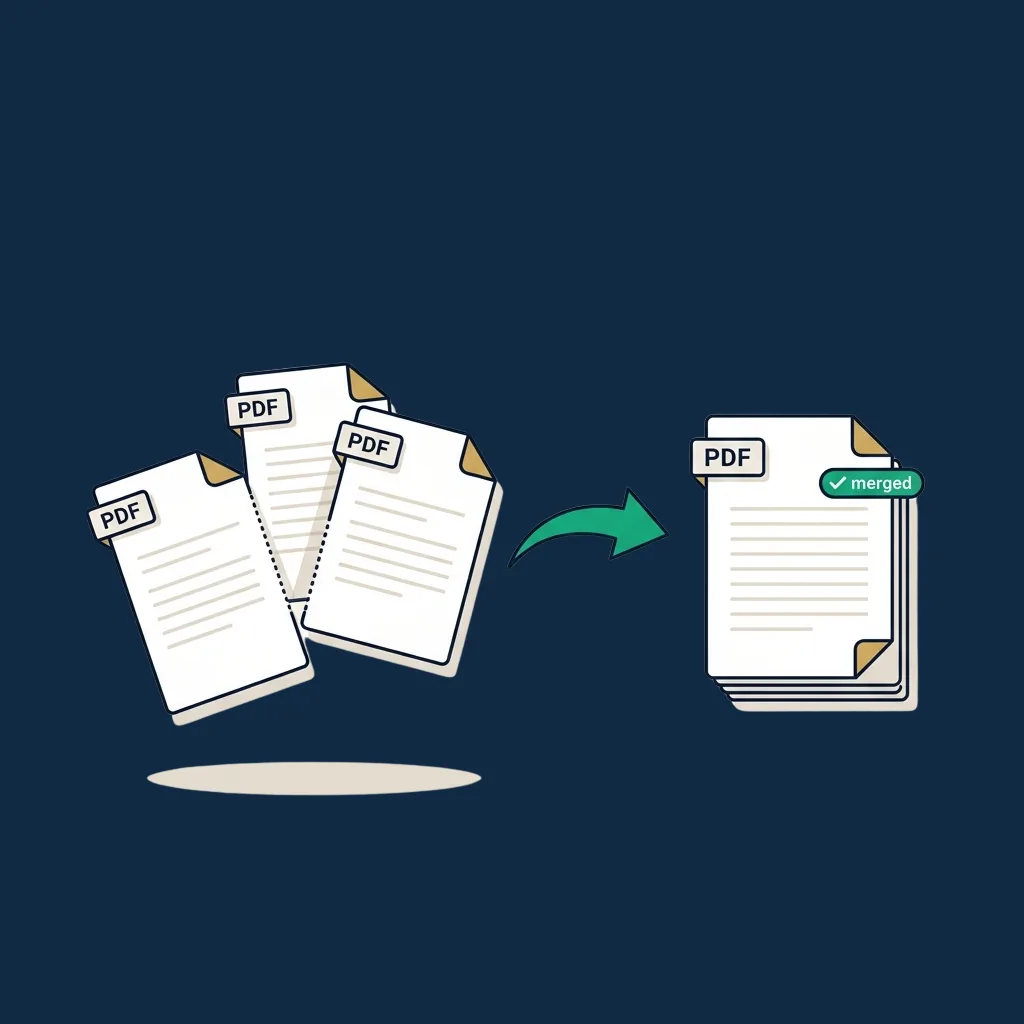
PDF Merger
Combine multiple PDFs into one. Drag to reorder, remove what you don't need, download the merged file.
Open tool →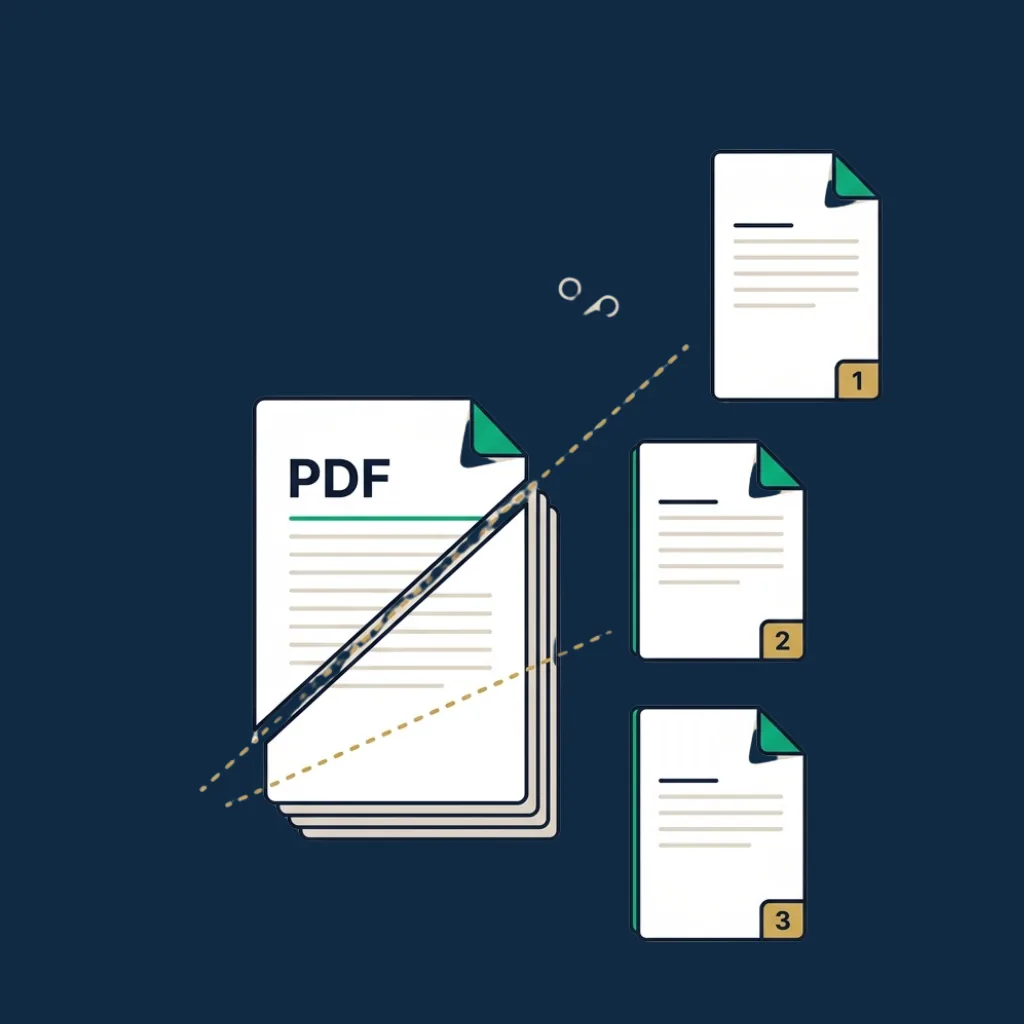
PDF Splitter
Extract specific pages or page ranges from a PDF. Or split into one file per page. All in your browser.
Open tool →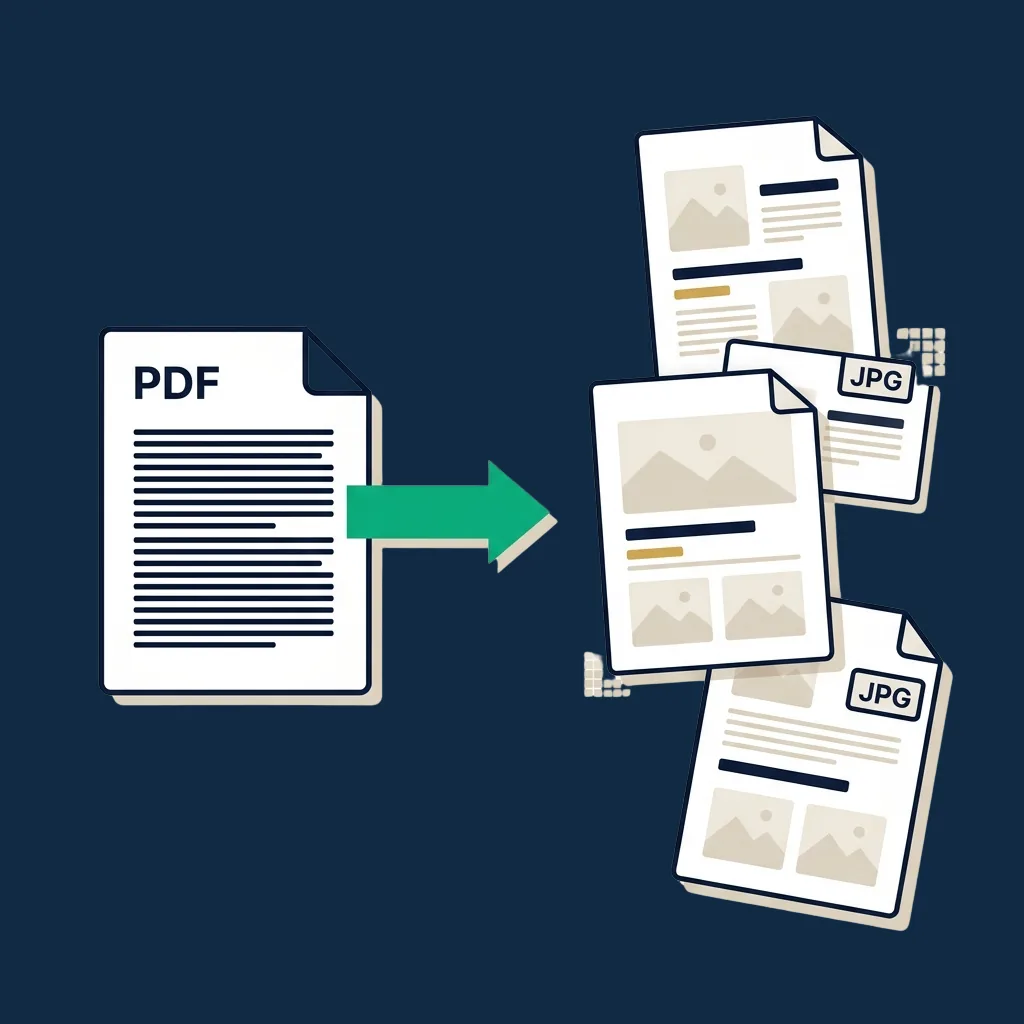
PDF to JPG
Convert each PDF page to a JPEG image. Adjustable quality. Single file or ZIP. Browser-based.
Open tool →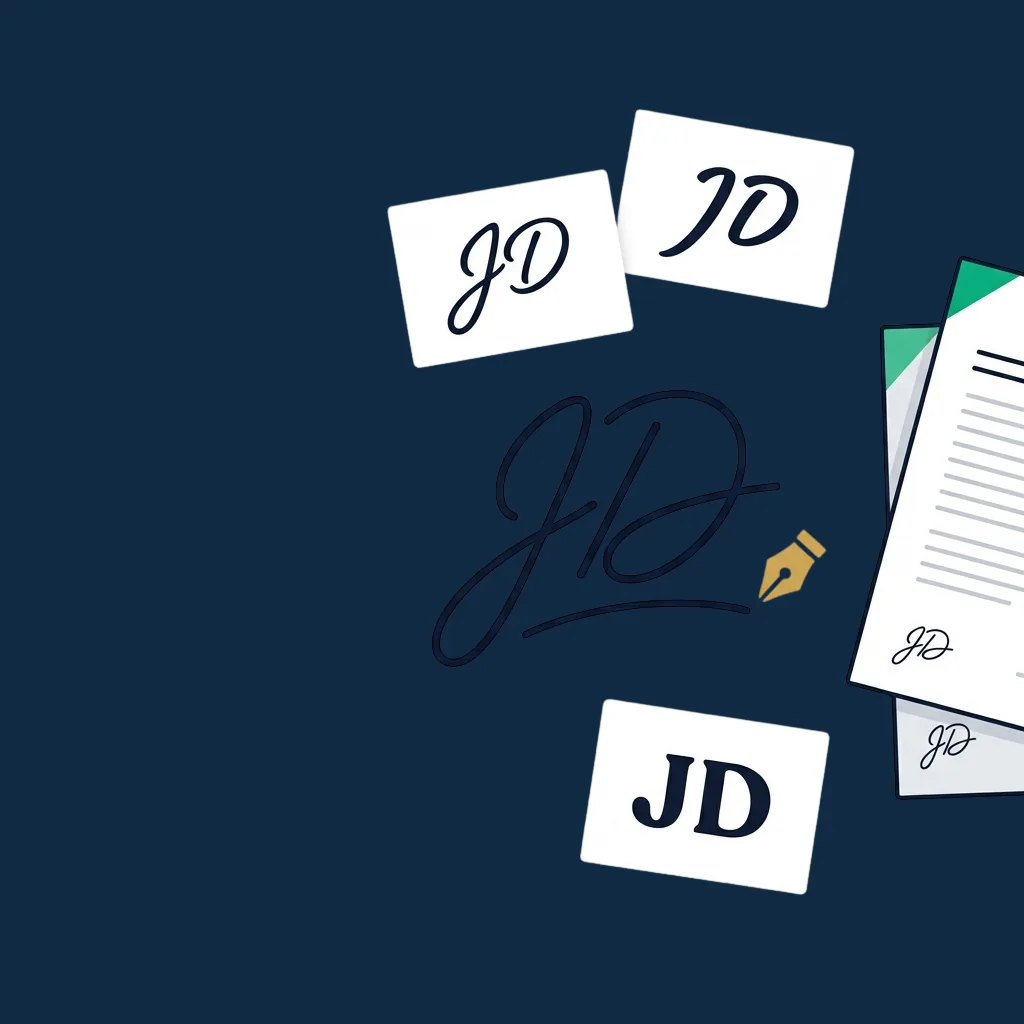
Initials Generator
Type or draw your initials in 6 cursive styles. Export transparent PNG or SVG for initialing every page of a contract.
Open tool →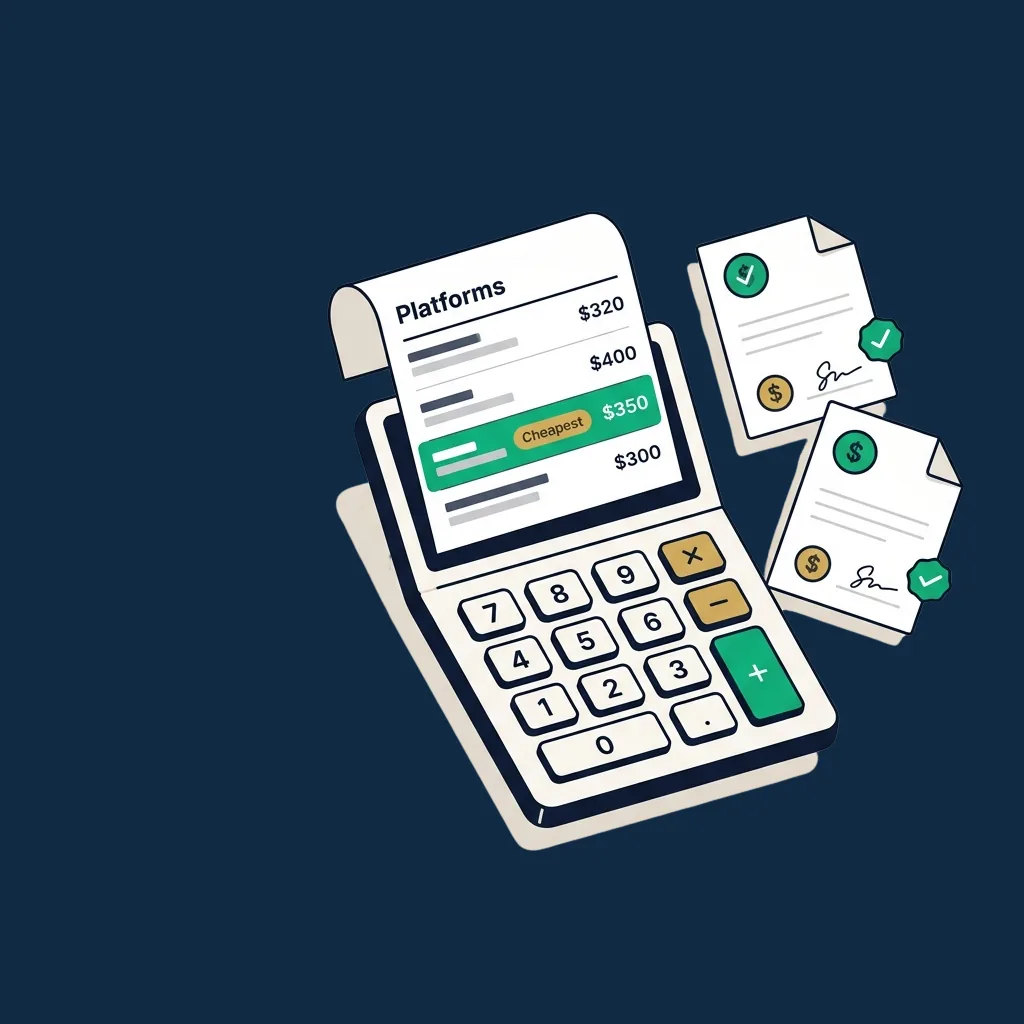
eSignature Cost Calculator
Compare annual cost across DocuSign, SignNow, PandaDoc, Dropbox Sign, Sign.Plus, and CocoSign. Grounded in verified pricing.
Open tool →Pick the right tool for the job
A short decision tree across the eight tools above. Match your situation to one of the questions below to land on the right one.
A PDF just landed in my inbox and I need to send it back signed.
Open it in the PDF Signer. Drop your signature on the page, download the signed copy, send. Under a minute.
→ PDF SignerI want a clean signature image to drop into Word, email signatures, or design files.
Use the Signature Generator. Type your name in cursive or draw it, then export as a transparent PNG (anywhere) or SVG (design tools).
→ Signature GeneratorI have a photo of my real signature and I want a transparent PNG.
Run it through the Background Remover. Upload, tune the threshold, download the cleaned-up PNG. Then drop it anywhere.
→ Background RemoverI have several PDFs that need to be combined before sending.
Use the PDF Merger. Drag in the files in the order you want, click merge, and you get a single combined PDF back.
→ PDF MergerI only need a few specific pages from a long PDF.
Use the PDF Splitter. Type the page ranges you need ("1-5, 8, 12-14") and download a clean output with just those pages.
→ PDF SplitterI want to share a contract page on a messaging app or paste it into a slide deck.
Convert with PDF to JPG. Each page becomes an image you can drop into chat, slides, or anywhere that prefers images over PDFs.
→ PDF to JPGMy contract requires initials on every page, not just a signature on the last one.
Use the Initials Generator. Pick a cursive style, download a transparent PNG, and drop it on each page in the PDF Signer or your editor.
→ Initials GeneratorI am budgeting a real eSignature platform: which is cheapest for my team?
Run the eSignature Cost Calculator. Enter users, annual volume, and compliance needs to see the annual cost across DocuSign, SignNow, PandaDoc, Sign.Plus, Dropbox Sign, and CocoSign.
→ Cost CalculatorI need to send a document for someone else to sign.
These tools won't do that: there's no recipient flow, no audit trail, no email delivery. You want a full eSignature platform.
→ Compare platformsFree tools that respect your time and your data
Most "free PDF signer" sites either email-gate the download, watermark the output, or quietly upload your file to their server. Ours run 100% in your browser. Your file never leaves your device.
If you sign more than a handful of documents per month, you'll outgrow these quickly, and that's when our eSignature reviews & platform comparisons.