
Create initials for signing: free, in your browser
Type your initials (typically two or three letters), pick a cursive style, and download a transparent PNG or SVG. Or switch to draw mode and trace them yourself with a mouse, trackpad, or touchscreen. Everything runs in your browser: your initials are never sent to a server.
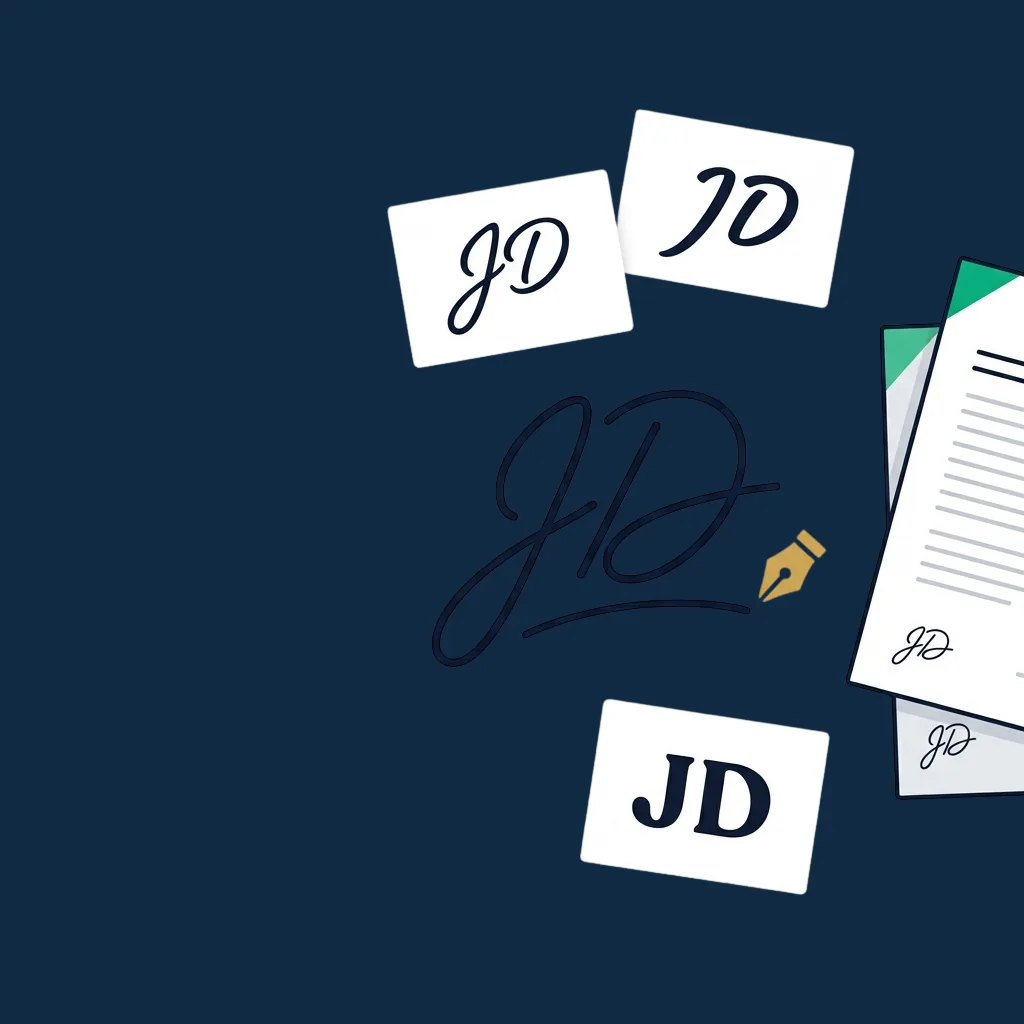
Step-by-step guide
- 1
Type your initials
Two or three letters in most cases (J.D., JKL, M.S.). Use full caps for a more formal look or mixed case for a personal one.
- 2
Pick a style
Six cursive and handwriting styles to choose from. Each renders the same letters with a different feel, so pick whichever matches the way you actually write.
- 3
Or draw your own
Switch to draw mode and trace your initials with the mouse, trackpad, or finger on a touchscreen. The trace is smoothed automatically for a clean line.
- 4
Download PNG or SVG
PNG works everywhere: drop it into a PDF, Word doc, email signature. SVG is sharper at any size and is the right choice for design tools.
Why use this tool
100% private, runs in your browser
Your initials are drawn locally on your device. No backend receives anything, and closing the tab discards what you made.
No account, no email, no watermark
Most "free initials maker" sites either email-gate the download, watermark the output, or upload to a server. Ours does none of those.
Six handwriting styles built in
Cursive, italic, hand, mono, serif and sans, each rendering the same letters with a distinct feel. Find the style that reads as yours.
Transparent PNG, ready to drop in anywhere
The output PNG has a transparent background, so it sits cleanly on any document: white forms, scanned contracts, branded templates.
SVG for design tools
When you need it sharp at any size, whether for Figma, Illustrator or large-format printing, export as SVG instead of PNG.
Works on any device
Tested on Windows, macOS, Linux, iOS, and Android. Drawing works with mouse, trackpad, and touchscreen, which helps when you want a real handwritten feel.
Common use cases
Initialing every page of a multi-page contract
Many contracts require an initial on every page (not just a full signature on the last one). Drop your initials image at the bottom of each page in your PDF editor.
Marking accepted amendments
When a contract has handwritten edits or a clause inserted late, the standard practice is to initial the change. A clean PNG of your initials makes that easy in any PDF tool.
Approving internal documents
Manager sign-off on policies, expense reports, or project briefs, where a quick initials stamp instead of a full signature is often enough for internal records.
Real estate transactions
Purchase agreements, disclosures and addendums, where most jurisdictions expect initials on every page or at every clause. Keep the PNG handy on your desktop and reuse it.
Government and legal forms
Some forms have specific spots labeled "initial here" rather than "sign here". Use the right-sized initials image instead of cropping your full signature down.
Drafting and review workflows
When reviewers initial each section as they read it, whether in peer review, legal review or board review, a consistent personal initials image speeds the loop.
When this tool is enough, and when you need a full eSignature platform
This tool is built for one job: create a clean image of your initials and download it. For drafting, internal docs, and personal use, it is faster than any desktop tool: no install, no license, no learning curve.
It stops being the right tool the moment any of these are true:
- Initials need to be legally binding with full audit trail. The image alone is not a legal signature in regulated contexts. For contracts that need eIDAS Advanced or Qualified Electronic Signatures, US ESIGN/UETA-compliant timestamps, or HIPAA BAA, use a full eSignature platform that captures the audit trail (IP, timestamp, signer ID).
- Multiple signers each need their own initials on the same document. Routing the document, tracking who has initialed which pages, and locking the initialed pages so they cannot be altered all require a workflow platform.
- You need certified-document workflows: notarization, witnessed signing, KYC. The image is just an image, and the legal weight comes from the workflow that surrounds it.
- The recipient is a counterparty in a high-stakes contract. Pasting an initials image into a PDF leaves no audit trail of who placed it. Use a real eSignature platform when a contract dispute could turn on the integrity of the initialing.
For drafting, internal documents, real-estate paperwork you initial yourself, and any low-stakes use, this tool is faster and more private than most alternatives.
Honest limitations
- ! The output is an image, not a legal signature on its own. For binding contracts, use a full eSignature platform that captures audit-trail metadata.
- ! Browser-rendered cursive fonts vary slightly between operating systems. The output looks essentially the same, but pixel-level identity across devices is not guaranteed.
- ! Drawn initials are smoothed but not vectorised, so if you need a true vector hand-drawn initial, redraw it in a vector tool.
- ! No font upload. The six built-in styles cover the typical handwriting range. For a brand-specific font, use a desktop tool.
- ! No multi-color output. PNG and SVG are exported in a single chosen color.
- ! No automatic scaling for specific document templates: size the output yourself in your PDF editor.
Need real, audit-trailed initialing instead of just an image?
For contracts that matter, a real eSignature platform captures who initialed which page, when, and from where, and locks the page once initialed. See our editor-tested ranking; the right pick depends on your team size and compliance needs.
Compare eSignature platforms →Frequently asked questions
Is this initials generator really free?
Are my initials uploaded anywhere?
Are typed initials legally binding?
PNG or SVG: which should I download?
How do I drop initials onto a PDF?
Can I use the same image on every contract?
Do the cursive fonts look the same on every device?
What initial format should I use, J.D. or JD?
Related tools and articles
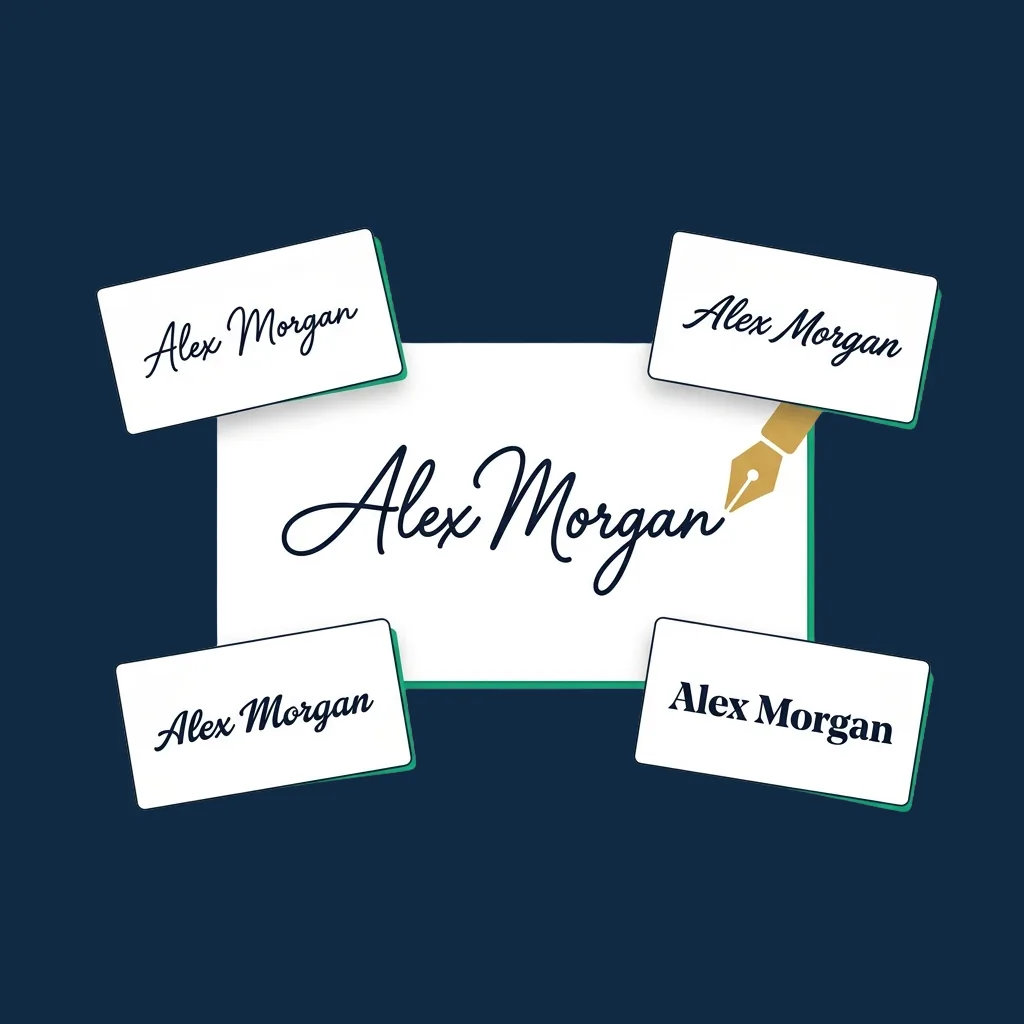
Signature Generator
Need a full signature too? Same six cursive styles, sized for full names.
Open →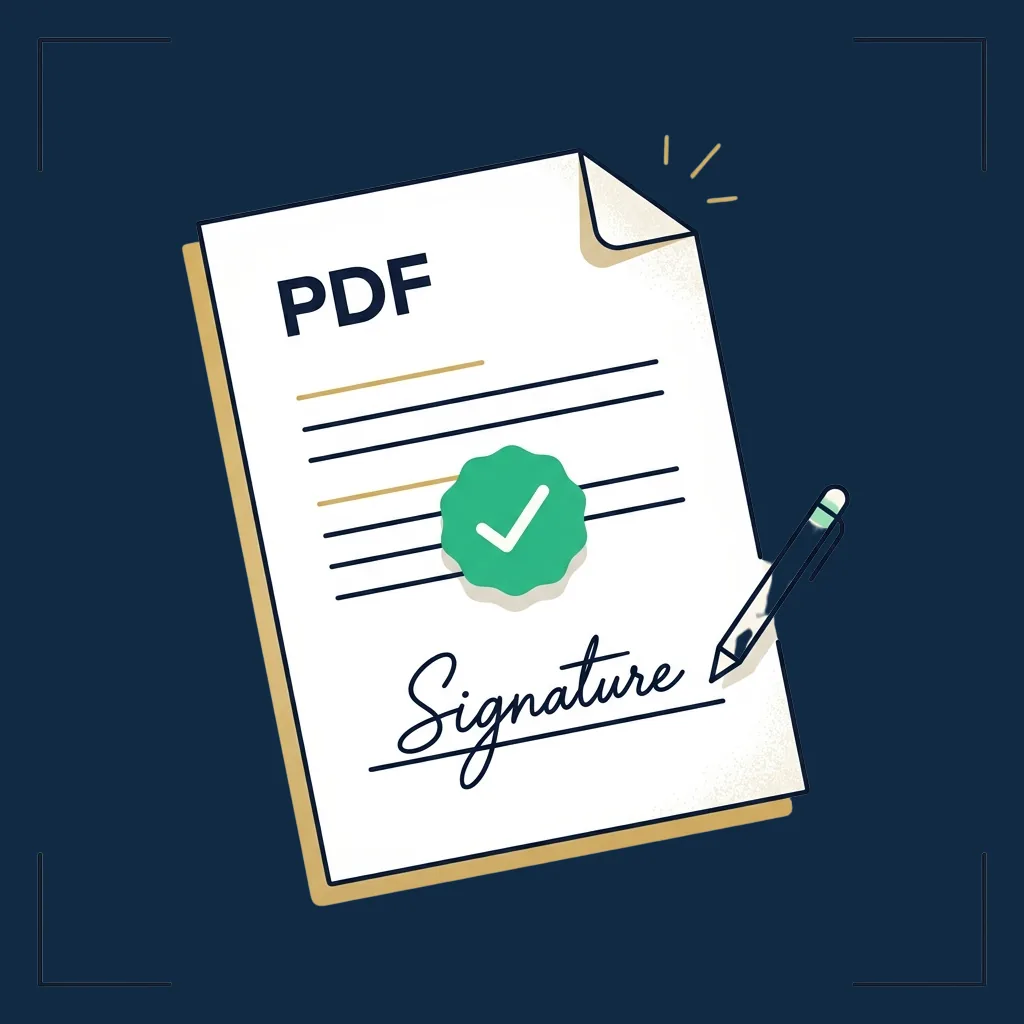
Sign a PDF online
Drop your initials onto a PDF and download the initialed copy.
Open →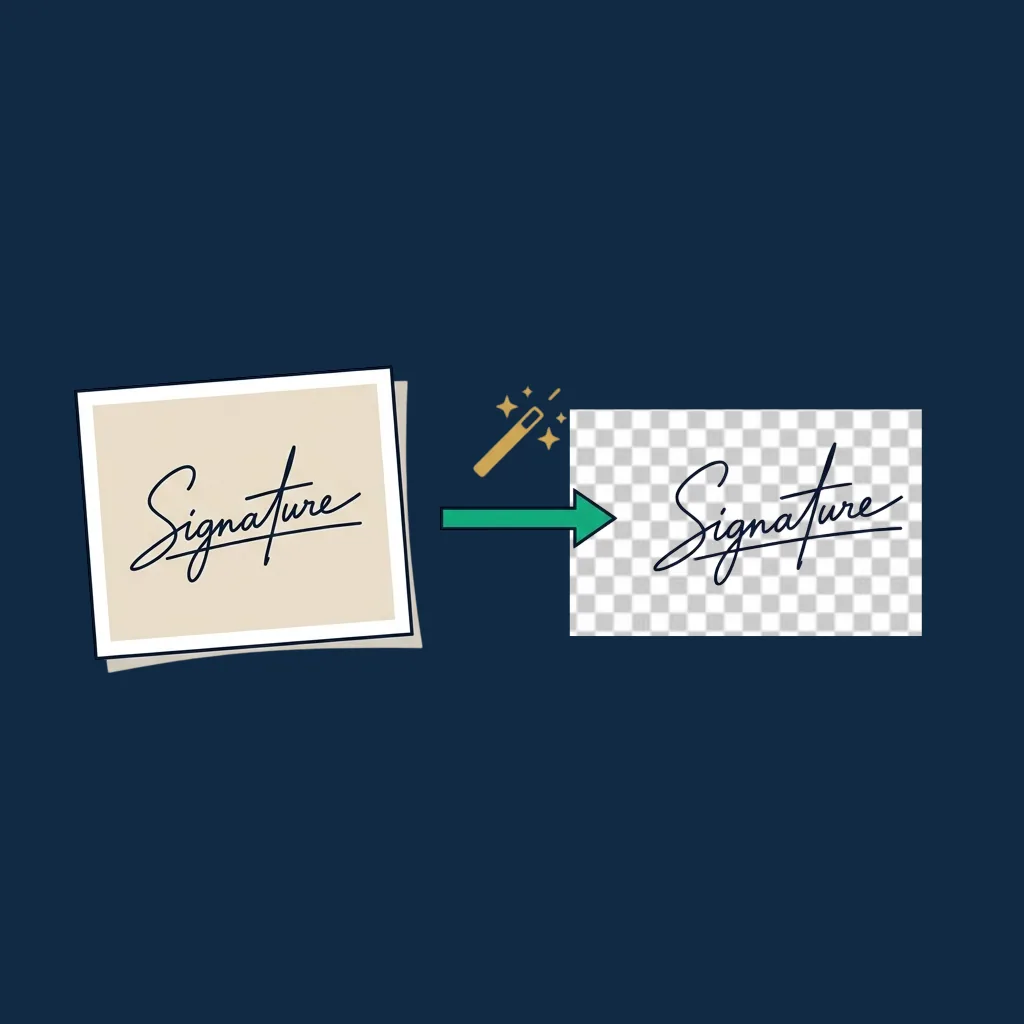
Signature Background Remover
Already have initials on paper? Photograph them and clean up the background.
Open →
Guide: how to sign a PDF online
Five ways to sign or initial a PDF, from this tool to enterprise platforms.
Open →
eSignature platform reviews
When you outgrow free tools: the editor-tested ranking of full platforms.
Open →