
Sign a PDF online: free, no account, browser-based
Drop a PDF, draw or type your signature, click where you want it on the page, and download the signed copy. The whole process takes under a minute and runs entirely in your browser. Your file is never uploaded to a server: the preview, signature placement, and final save all happen locally on your device.
Preview: click anywhere to place your signature
Your signature
Step-by-step guide
- 1
Upload your PDF
Drag and drop a PDF (up to 25 MB) or click to browse. The first page renders instantly so you can navigate to the right page with arrow buttons.
- 2
Create your signature
Switch between Draw mode (mouse, trackpad, or finger on touch devices) and Type mode (cursive font rendering of your name). Clear and redo as many times as needed.
- 3
Click to place
On the PDF preview, click anywhere on the page where the signature should appear. A green outline shows the exact placement before you commit.
- 4
Download the signed file
Hit the green button and the new PDF with your signature embedded downloads automatically. The original file is untouched.
Why use this tool
100% private, nothing uploaded
Everything runs in your browser. We do not have a backend that receives your file.
No account, no email, no watermark
Most "free" PDF signer sites either email-gate the download or stamp a watermark. Ours does neither.
Works on any device
Tested on Windows, macOS, Linux, iOS, and Android. The signature canvas accepts touch input on phones and tablets.
Fast, under a minute
Upload, sign, download. No setup, no tutorial. The interface fits the entire workflow on one screen.
Original PDF preserved
Your signature is overlaid as a vector PNG, and the underlying page content is untouched. Open the signed file in any PDF reader and the original text and images stay byte-identical.
Works offline once loaded
After the page and CDN libraries load on your first visit, you can sign documents without an internet connection.
Common use cases
Freelancers signing client agreements
Designers, developers, consultants who get a SOW or NDA from a client and need to return it signed in five minutes, without paying $20/month for a full eSignature platform.
Real-estate counter-signatures
Agents and brokers sending the second-party signature on a closing document received via email, where speed matters more than enterprise-grade audit trails.
HR forms and onboarding paperwork
Tax forms, direct deposit authorizations, equipment receipts: internal documents that need an employee signature and don't justify routing through a corporate eSignature system.
Invoices, quotes, and proposals
Approving a vendor invoice, returning a signed quote, marking a proposal as accepted: all the small contract decisions that pile up in a small business.
Legal documents you receive once
Insurance forms, lease addenda, school permission slips, medical consent forms: the documents you'll never sign more than once and shouldn't install software for.
Quick edits to a draft contract
You're negotiating, the lawyer sends a redline, and you initial a change. No need to fire up a full agreement workflow for a single initial.
When this tool is enough, and when a full eSignature platform is the right call
This tool is built for one job: sign a PDF that arrived by email and send it back. For that narrow workflow it is faster than any full eSignature platform: no template setup, no recipient configuration, nothing to learn.
It stops being the right tool the moment any of these are true:
- You are sending a document for someone else to sign. A full platform handles email delivery, reminders, multi-signer routing, and an audit log if the signature is later questioned.
- You sign more than ten documents a month. Reusable templates, signing links, bulk send, and CRM integration scale in a way that re-running this tool does not.
- The document falls under specific regulations: HIPAA-protected health information, FDA-regulated electronic records (21 CFR Part 11), or a contract that requires an eIDAS Advanced or Qualified Electronic Signature. A pasted signature image is not engineered for those frameworks.
- You need a tamper-evident audit trail. The output of this tool is a PDF with an embedded image. It does not record signer identity, IP address, or a cryptographic chain of custody, which is the kind of evidence courts and auditors look for in a dispute.
For those situations, look at our editor-tested ranking of full platforms: Sign.Plus for SMB usability, Dropbox Sign for a developer-friendly API, DocuSign for enterprise compliance, or SignNow as a budget mid-market choice.
Honest limitations
- ! One signature per export. To add a second, run the tool again on the freshly downloaded file.
- ! Encrypted or password-protected PDFs cannot be processed in the browser. Remove the password in your PDF reader first.
- ! PDFs above 25 MB are rejected to keep browser memory usage reasonable. For larger files, use a desktop tool.
- ! No multi-signer routing and no email delivery: you sign your own copy and send it manually.
- ! No identity verification, no audit trail, no IP/timestamp record. This is a basic signing utility, not a workflow.
- ! Output is a flattened signature image embedded in the PDF, not a cryptographic PAdES/CAdES signature.
- ! Some documents (notarized deeds, certain wills, real-estate transfers in some jurisdictions) require a witnessed handwritten or qualified electronic signature and cannot be signed this way.
This tool is provided for general use. It is not legal advice and the information on this page is not a substitute for guidance from a qualified lawyer. Electronic signature law varies by country and by document type, and sensitive, regulated, or business-critical agreements should go through a compliant eSignatureplatform.
Sign more than a handful of documents per month?
A standalone tool stops being enough once you need templates, audit trails, multi-party routing, or HIPAA-compliant storage. See our editor-tested ranking of full eSignature platforms.
Compare eSignature platforms →Frequently asked questions
Is this free PDF signer really free?
Will a signature added with this tool hold up?
Does my PDF get uploaded anywhere?
Can I sign multiple pages or add multiple signatures?
What size and file types are supported?
What about signing on mobile?
Does the signed PDF preserve the original quality?
Can I use this for business or legal contracts?
Related tools and articles

Signature Generator
Create a transparent signature image to drop into any document.
Open →
Signature Background Remover
Got a photo of your signature on paper? Remove the background here first.
Open →
Guide: how to sign a PDF online
5 ways to sign a PDF, from this tool through to enterprise platforms.
Open →
Are eSignatures legally binding?
Country-by-country breakdown of legal validity.
Open →
Sign.Plus vs DocuSign
When you graduate beyond a free tool: the head-to-head comparison.
Open →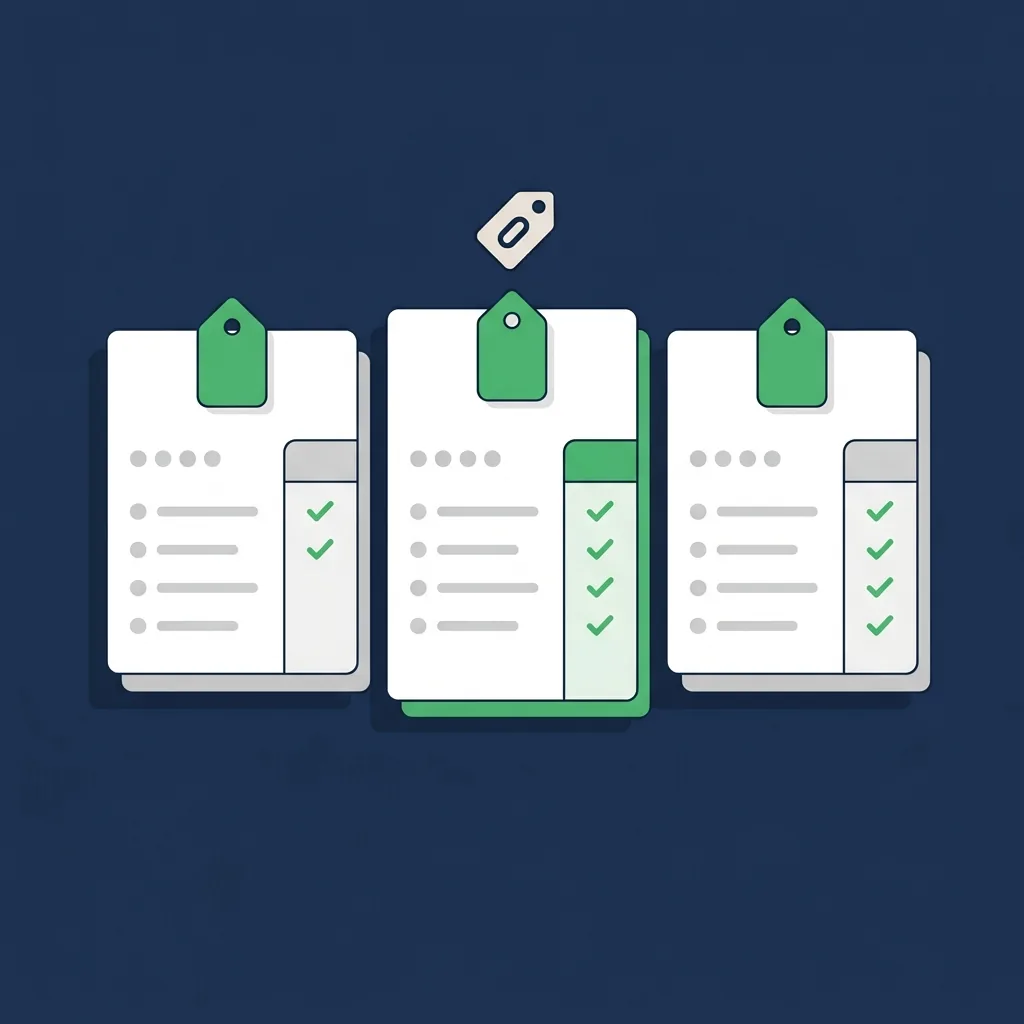
Best free eSignature software
Honest comparison of permanent free tiers across the major platforms.
Open →