
Create your signature in seconds
Type your name in cursive, or draw a signature with your mouse, trackpad, or finger. Adjust color and size, then export as a transparent PNG ready for any document, or scalable SVG for design files. Everything runs in your browser. No account, no watermark, no signing data leaves your device.
Step-by-step guide
- 1
Pick Type or Draw mode
Type mode renders your name in a clean cursive font. Draw mode lets you sign with mouse, trackpad, or finger on touch devices.
- 2
Style your signature
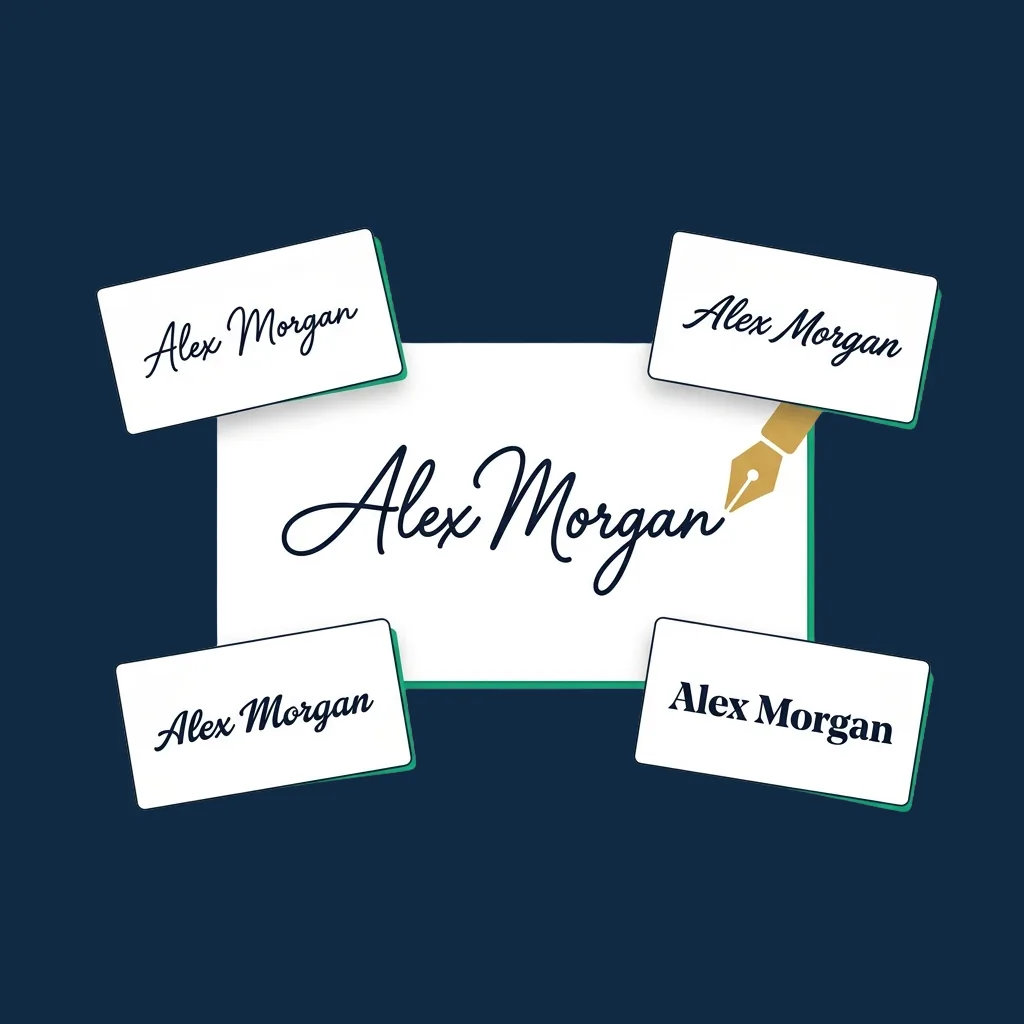
Choose from 6 fonts in Type mode, change ink color, adjust size. In Draw mode, customize pen color and stroke width.
- 3
Preview live
The preview updates as you type or draw. Try several styles before committing, since there is no save button to commit anything.
- 4
Export PNG or SVG
Download a transparent PNG that drops into any PDF, Word doc, or email signature. SVG is available in Type mode for scalable design files.
Why use this tool
Two creation modes
Type for a clean glyph-based signature, or draw freehand for a personal handwritten look. Switch instantly.
6 cursive font styles
Brush, italic, mono, sans, serif, fantasy. All standard system fonts, so no font licensing or attribution is required.
Transparent background
PNG exports come with a fully transparent background, so they drop directly onto any document without a white box.
Runs locally, nothing uploaded
The signature is rendered locally in your browser. We do not have a backend that receives anything.
Free, instant, no account
No email gate, no daily limit, no watermark. Generate as many signatures as you need.
Mobile-first signing
Touch input is captured the same as mouse input. Sign with your finger on phone or tablet.
Common use cases
Email signatures with a personal touch
A signature image at the bottom of your email feels warmer than a typed name. Generate once, paste into Gmail/Outlook signature settings.
Invoices and quotes for freelancers
Add your handwritten name to professional invoices and quotes: a small touch that signals authenticity to clients.
Cover letters and proposals
A personal signature at the end of a cover letter or proposal converts better than just typed text.
Document templates
Insert your signature into Word/Pages contract templates so each new contract is pre-signed and ready to send.
Design and marketing assets
Use the SVG export for scalable signature graphics in Figma, Sketch, Illustrator, or InDesign without quality loss.
Quick countersigning
Pair this generator with our PDF signer to quickly drop a transparent PNG signature onto any document received by email.
When a signature image is enough, and when to use a real platform
What this tool produces is a visual signature image. It is the right artifact when you want to drop a personal mark onto your own invoices, proposals, email signature, or contract templates. Once exported, the file is yours to paste anywhere.
It is not a signing workflow. Reach for a full eSignature platform when:
- You are sending a document to someone else for them to sign. They need a signing link, identity verification, and a record of what they signed, not a PNG. See Dropbox Sign or SignNow.
- The signature needs to be cryptographically tied to a specific identity, as required for an eIDAS Qualified Electronic Signature or NIST identity proofing. A pasted PNG cannot prove who pasted it.
- You need a tamper-evident audit trail with IP, timestamp, and authentication. A platform records one. An image does not.
For everyday signing of your own documents, whether invoices, an email signoff or a draft proposal, this tool is faster than any platform.
Honest limitations
- ! This tool only creates a visual signature image. It is not a signing workflow: there is no recipient, no identity check, no signed timestamp.
- ! Whether a pasted signature image counts as a valid signature for a specific contract depends on the document, the parties, and the law that applies. High-value, regulated, or formally specified signatures generally need more than an image.
- ! SVG export is Type mode only. Drawn signatures produce too many path segments to be useful as vectors, so PNG is more honest for drawn input.
- ! Type mode uses your system's installed fonts. Rendering may look slightly different on a recipient's device if they don't have the same fonts (PNG export captures the rendering, so this only matters if you copy live SVG text).
- ! No history, no saved signatures. Close the tab and the workspace clears. Re-download if you need the file again.
- ! Pasting a signature image into a PDF does not produce a cryptographic PDF signature (PAdES/CAdES). For recipients who validate signatures programmatically, use a dedicated platform.
This tool generates a visual signature image. It is not legal advice and does not replace guidance from a qualified lawyer. Whether a particular use of a signature image is valid depends on local law and the document at hand, so when in doubt, run sensitive or high-stakes signing through a compliant eSignature platform.
Need to send signed documents to clients?
A signature image is a great start. When you need identity verification, multi-party routing, and a tamper-evident record of who signed what and when, an eSignature platform is the right tool. Compare the editor-tested options.
See top eSignature platforms →Frequently asked questions
Is a signature image like this enough on its own?
PNG vs SVG: which should I download?
Can I draw with my finger on mobile?
Why does the SVG export only work in Type mode?
Are the fonts free for commercial use?
Can I save the signature to use later?
Does the tool save my data anywhere?
Can I use this signature in DocuSign / Adobe Sign / etc.?
Related tools and articles
PDF Signer
Drop your generated signature directly onto a PDF.
Open →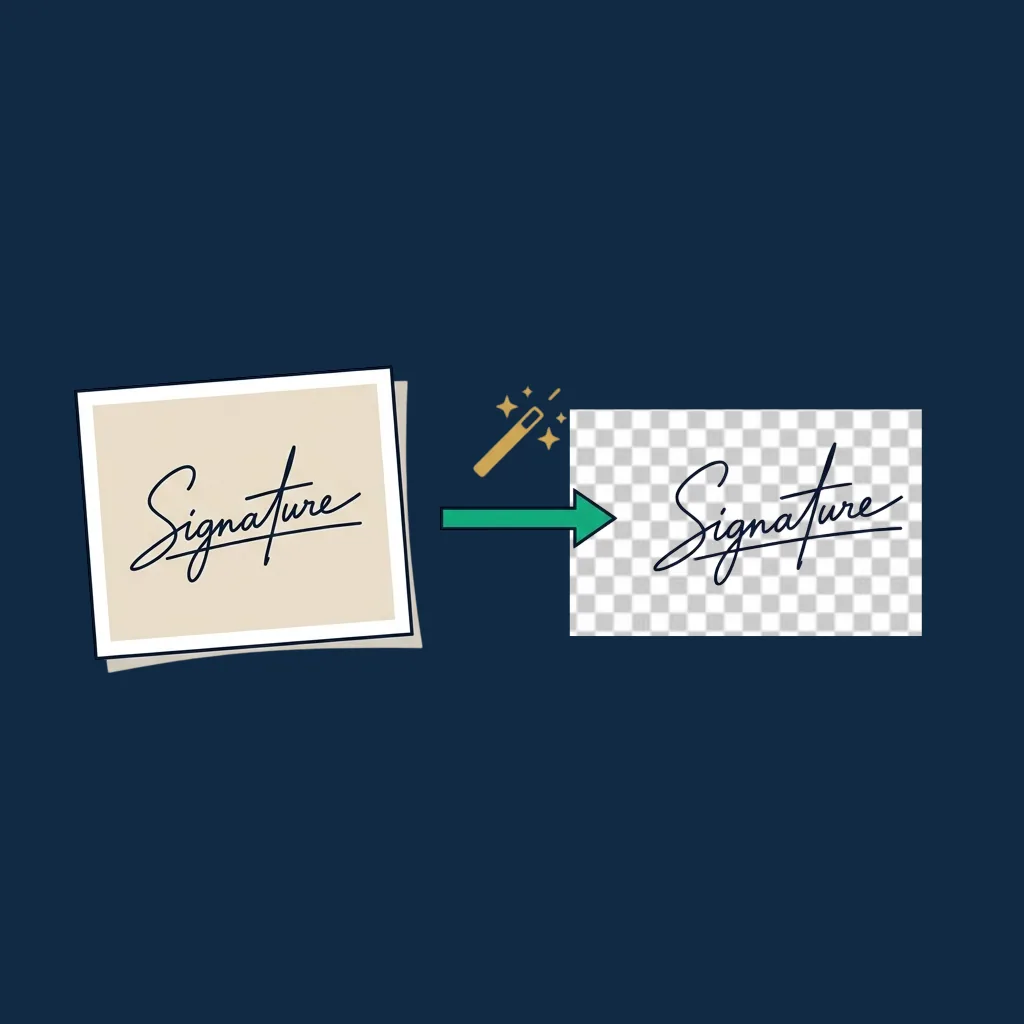
Background Remover
Already have a signature scan? Get a transparent PNG here first.
Open →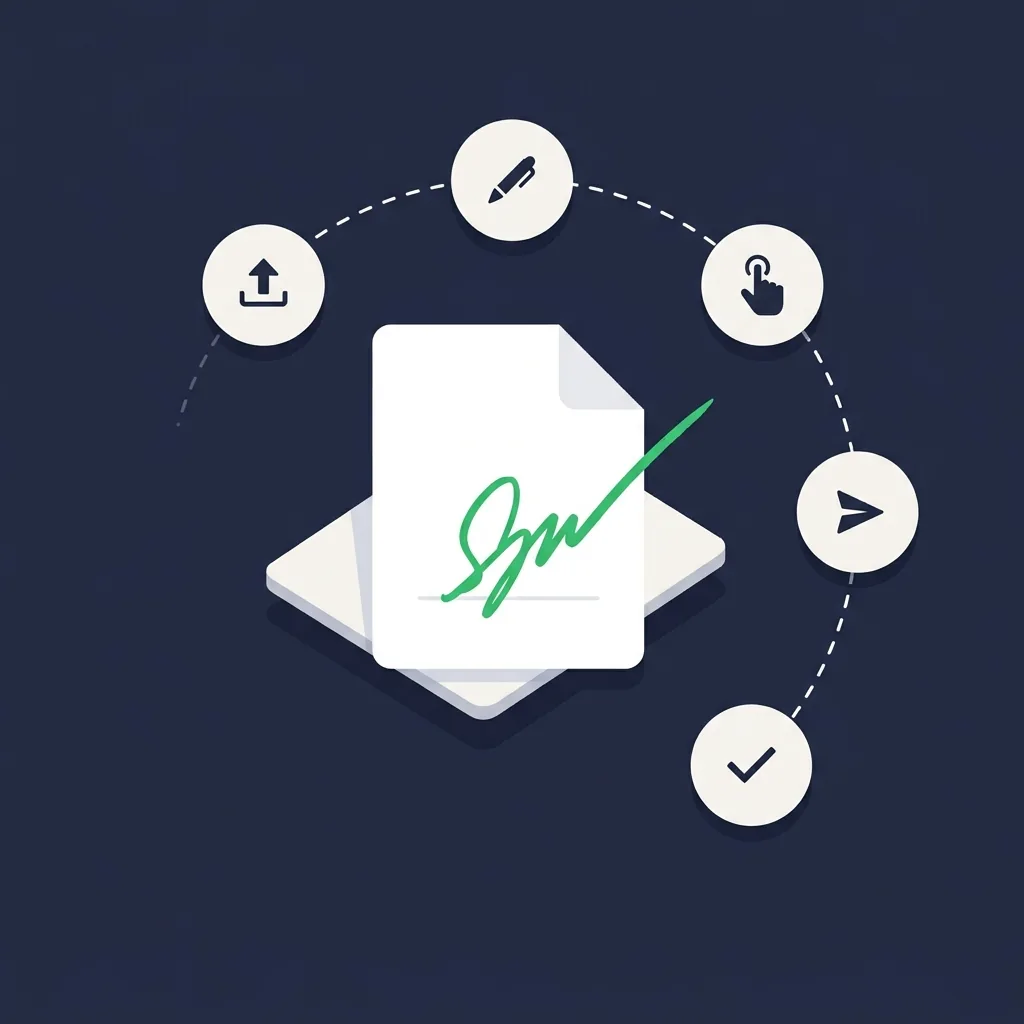
How to sign a PDF online
5 methods compared, from a typed signature image up to full platforms.
Open →
What is eSignature software?
When to graduate from a signature image to a real platform.
Open →
Best free eSignature software
Honest comparison of permanent free tiers across the major platforms.
Open →
eSignature platform reviews
Editor-tested ranking of every major platform, with five-category scoring and verdicts.
Open →