If you have ever printed a contract, signed it, scanned it, and emailed it back, you have already met the problem eSignature software was built to solve. The category has been around since the early 2000s, the US ESIGN Act passed in 2000, but the products have changed dramatically. What used to be a niche compliance tool is now a daily utility for freelancers, small teams, and Fortune 500 legal departments alike.
This guide is a working definition of the category as it exists in 2026: what eSignature software is, how it differs from the cryptographic thing called a "digital signature," who actually uses it, and the specific features that distinguish a serious platform from a glorified PDF editor. If you are evaluating tools, or just trying to figure out whether you need one. This is the foundation.
What eSignature software actually is
An electronic signature, in the broadest legal sense, is any electronic mark a person attaches to a document with the intent to sign it. Typing your name into an email, clicking an "I agree" checkbox, or drawing on a touchscreen all qualify under most jurisdictions' baseline definition.
eSignature software is the category of products that takes this basic idea and adds the parts that make a signature defensible: identity verification, tamper-evident sealing, an audit trail, a certificate of completion, and a workflow engine that routes documents to the right people in the right order.
The signature itself is the easy part. Everything around it, the chain of custody, the proof that the signer was who they said they were, the record that the document was not altered after signing, is what you are actually paying for.
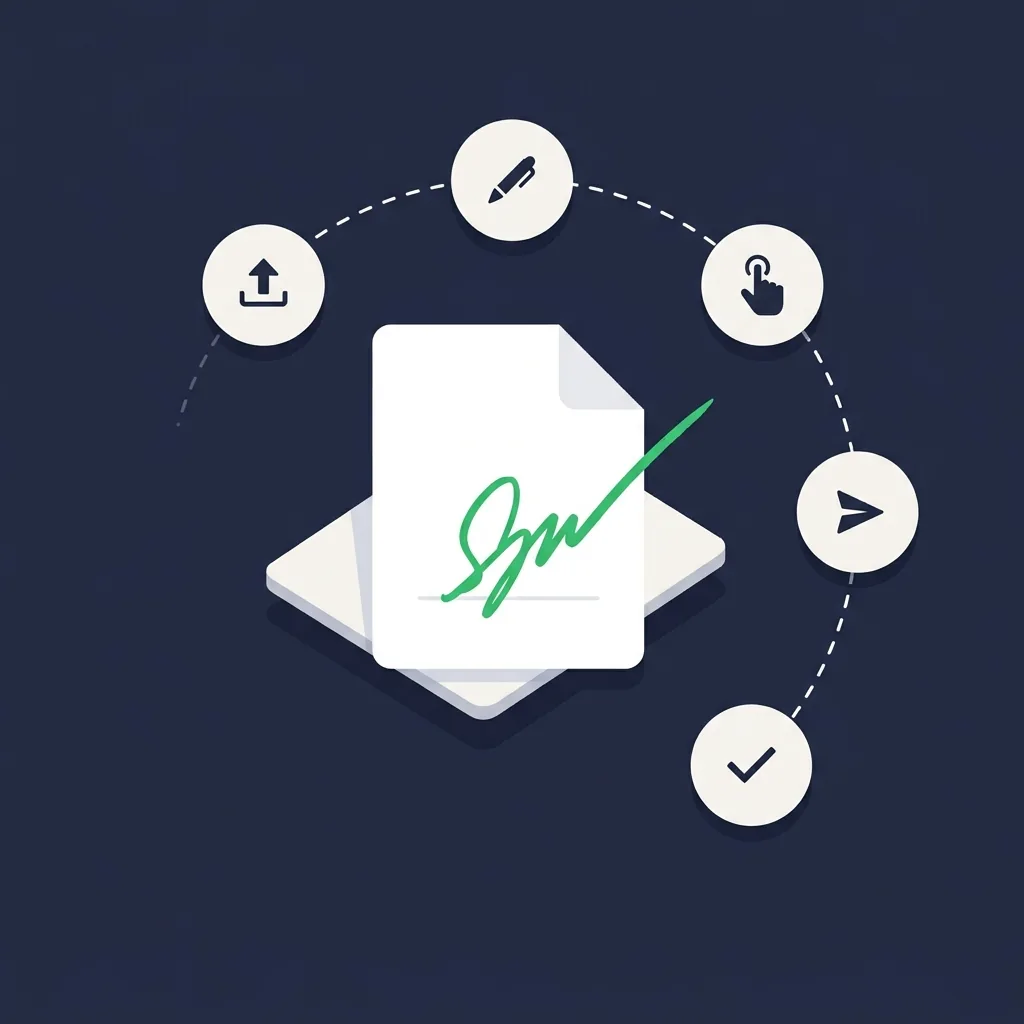
A modern platform like Sign.Plus, DocuSign, or PandaDoc handles the upload, places signature and field markers, sends the document to recipients, captures their input through a browser or mobile app, locks the file with a tamper-evident hash, and produces a signed PDF plus a separate certificate documenting every action. That entire flow takes a sender about two minutes once the template is built.
How electronic signatures work under the hood
The mental model most people have for an eSignature is "a picture of my squiggle pasted onto a PDF." That is not what is happening. A modern signing platform builds a record that has very little to do with how the squiggle looks.
When you sign a document on Sign.Plus or DocuSign, the platform records: the IP address of the device, the timestamp at second-level precision, the email address used to authenticate, any additional verification factors (SMS code, knowledge-based authentication, government ID match), the User-Agent string of the browser, and the geographic location associated with the IP. All of this is bundled into the certificate of completion that travels with the signed PDF.
The signed file itself is then sealed using a cryptographic hash. If anyone modifies a single byte of the document afterward, adding a comma, redacting a price or changing a date, the hash breaks and the platform will flag the file as altered. That tamper-evident seal is what gives the document its evidentiary weight in court.
Note that this is different from a "digital signature" in the strict cryptographic sense, which we will get to in a moment.
The three tiers: simple, advanced, and qualified
Not all electronic signatures carry the same legal weight. The European eIDAS regulation formalizes a three-tier model that has become the global reference point, even outside the EU.
Simple Electronic Signatures (SES) are the baseline, a typed name, a drawn squiggle, a clicked checkbox. They are valid for most everyday agreements: NDAs, employment offers, service agreements, sales contracts, leases in most jurisdictions. The vast majority of documents signed through eSignature platforms fall into this category.
Advanced Electronic Signatures (AES) add stricter identity binding. The signature must be uniquely linked to the signer, capable of identifying them, created using means under their sole control, and tied to the document in a way that makes any subsequent change detectable.
In practice this means the signer authenticates through verified credentials and the signing keys are bound to their identity, not just their email address.
Qualified Electronic Signatures (QES) are the legal equivalent of a handwritten signature under EU law. They require a signing certificate issued by an accredited Trust Service Provider, typically with in-person or video-based identity verification before the certificate is issued.
QES is used for regulated agreements, certain real estate transactions, regulated financial contracts, court filings, where the highest legal weight is required.
The US ESIGN Act and UETA do not formally distinguish these tiers. American law treats most electronic signatures as broadly equivalent and lets courts evaluate evidentiary weight case by case. The eIDAS tiering is more relevant if you operate in or with the EU.
Who actually uses eSignature software
The user base is broader than most buyers assume. A few patterns we see consistently:
- Freelancers and solopreneurs. Designers, consultants, photographers, and developers use eSignature tools for client contracts, statements of work, and NDAs. The economics are simple: a $10/month plan that closes a $5,000 contract two days faster pays for itself many times over. Sign.Plus Personal and Dropbox Sign’s free tier are common entry points here.
- Small and mid-sized businesses. SMBs use eSignature for sales contracts, vendor agreements, employment paperwork, lease renewals, and partner agreements. The volume is moderate, typically tens to a few hundred documents a month, and the priority is reducing the friction of getting deals closed.
- Sales teams. Anywhere the time between "verbal yes" and "signed contract" matters, eSignature tools shrink the gap. Platforms like PandaDoc that combine proposal generation with signing are particularly common in B2B sales.
- HR teams. Offer letters, onboarding paperwork, policy acknowledgments, and exit agreements all flow through eSignature platforms. Bulk send features are heavily used here for things like annual policy updates.
- Legal departments and law firms. Engagement letters, retainer agreements, and routine filings make up the bulk of legal use. Higher-stakes documents, wills, certain real estate, family law, usually still require wet signatures or QES.
- Healthcare, financial services, and government. These sectors require platforms with HIPAA, FedRAMP, 21 CFR Part 11, or country-specific compliance, typically DocuSign Enterprise or Adobe Sign at the high end.
Key features that actually matter
Marketing pages list dozens of features. The ones that genuinely affect daily use are a much shorter list.
Templates
If you send the same document repeatedly (a standard NDA, a recurring service agreement, an offer letter), templates with reusable signature fields, custom variables, and pre-set recipient roles save more time than any other feature. Almost every paid plan includes them, so the real question is how many you can store and how flexible the variables are.
Bulk send
Sending the same document to ten or a thousand recipients in a single action. Used heavily by HR for policy acknowledgments, by sales for renewal campaigns, and by membership organizations for annual paperwork.
Mobile signing
Signers complete documents on phones more often than desktops in 2026. A platform with a clean mobile signing experience, meaning readable text, tap-friendly fields and biometric authentication, closes deals faster than one that forces phone users to pinch-zoom through a desktop layout.
API and integrations
If you want eSignature embedded inside your own product or triggered from your CRM, you need a real REST API with webhooks, sandbox testing, and SDKs in your stack’s language. Native connectors for Salesforce, HubSpot, Google Workspace, Microsoft 365, and Zapier handle most non-developer automation.
Audit trail and certificate of completion
The legal substance of an eSignature lives here. Make sure the platform produces a downloadable, standalone certificate, not just an in-app log, so your evidence does not depend on continued access to the vendor.
Identity verification
For higher-stakes documents you may want SMS one-time codes, knowledge-based authentication, or government photo ID matching. These are increasingly tiered into Business or Enterprise plans.
Security and compliance basics
Three things to verify before you trust a platform with your contracts:
- Encryption. AES-256 at rest and TLS 1.2 or higher in transit are the table stakes. Anything weaker is disqualifying in 2026.
- Independent audit. SOC 2 Type 2 is the most common North American benchmark. ISO/IEC 27001 is the international equivalent. "We are SOC 2 compliant" with no audit report is not the same thing, ask for the report or look for a Trust Center page.
- Specialized certifications if you need them. HIPAA with a signed Business Associate Agreement for healthcare. PCI-DSS if payment data is involved. FedRAMP for US federal. 21 CFR Part 11 for FDA-regulated life sciences. ZertES for Swiss-jurisdiction agreements. eIDAS QES through an accredited Trust Service Provider for the highest EU legal weight.
The two regulatory frameworks every buyer should know by name are the ESIGN Act and UETA in the United States and eIDAS in the European Union.
ESIGN (federal, signed in 2000) and UETA (adopted by 49 states) jointly establish that an electronic signature cannot be denied legal effect solely because it is electronic. eIDAS (in force since 2016, updated by eIDAS 2.0 in 2024) establishes the SES/AES/QES tiers and creates the EU’s Trust Service Provider framework. Most other major jurisdictions have analogues, which we cover in detail in our guide on whether eSignatures are legally binding by country.
Whatever platform you pick, download the certificate of completion alongside every signed document and store both in your records system. The signed PDF is the contract; the certificate is the evidence that proves how it was signed.
How to choose the right platform
The honest answer is that the right platform depends on volume, compliance, and integration needs, in that order.
If you sign occasionally (under ten documents a month) and need ESIGN/UETA/eIDAS coverage, a free or entry-level paid plan from Sign.Plus, Dropbox Sign (formerly HelloSign), or PandaDoc Free eSign is plenty. We cover this in detail in our free eSignature roundup.
If you run a small business sending tens to a few hundred documents a month, the calculus shifts toward platforms with templates, branding, team workspaces, and basic CRM integrations. Sign.Plus Professional, PandaDoc Starter, and Dropbox Sign Standard are all reasonable starting points. Our small business buyer’s guide goes deeper on the trade-offs.
If you are buying for an enterprise with regulated-industry compliance, deep integration requirements (Salesforce, Workday, SAP), or multi-thousand-seat deployment, DocuSign and Adobe Sign are the defensible choices. The premium pricing buys integration depth, FedRAMP/HIPAA coverage, and the brand recognition that smooths external signing requests.
Two head-to-head comparisons that help most buyers make the call: Sign.Plus vs DocuSign for the indie-vs-enterprise question, and our broader comparisons hub for everything else. The category is mature enough in 2026 that there is a right answer for your use case, it just is not the same right answer for everyone.